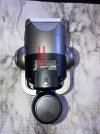
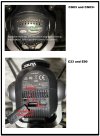
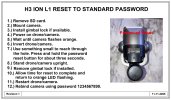
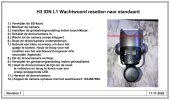
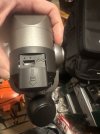
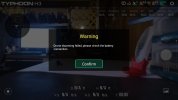
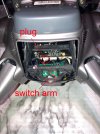
The first screenshot below is the message you get if you disconnect the battery latch sensor switch. If the battery is not secure, the drone will not start. The same is probably true if the sensor switch simply fails.
Assuming you got the same message, you could try to:
1.) Ensure the battery sensor switch is securely plugged into the mainboard.
2.) Exercise the switch. You can do this by inserting and removing the battery or by removing the battery and operating the switch by hand through the battery door.
3.) Spray some plastic safe contact cleaner on it through the battery bay and exercise it again.
4.) Replace the switch.
@Enrico Jorysch might know if the H3 and H520e share the same battery detection switch. ("
Pardon Our Interruption...")
View attachment 32899 View attachment 32900